
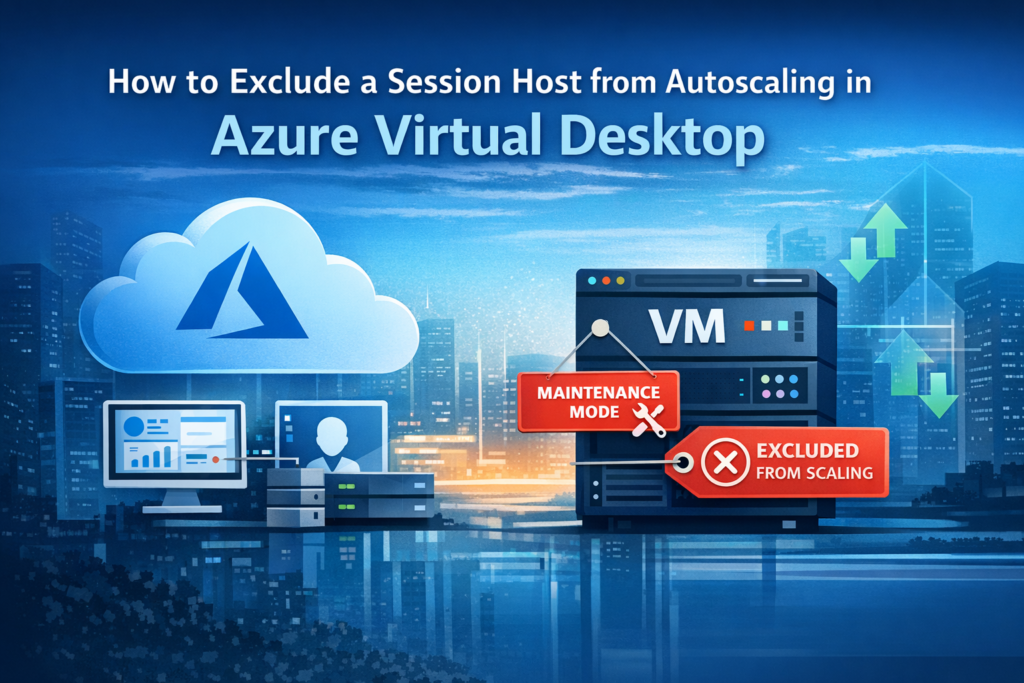
Autoscaling in Azure Virtual Desktop (AVD) is a great way to optimize costs and ensure resources scale up or down based on demand. However, there are times when you need to keep a session host out of the autoscaling process—for example, during maintenance, patching, or troubleshooting.
Fortunately, Azure provides a straightforward way to achieve this using exclusion tags.
Why Exclude a Session Host?
Maintenance: Keep the VM online while applying updates or patches.
The Solution: Add the excludeFromScaling Tag
To prevent autoscale from starting, stopping, or changing the drain mode of a session host VM, simply add the tag:
Steps:
- Go to the Azure Portal.
- Navigate to your Session Host VM.
- Under Tags, add a new tag:
- Name:
excludeFromScaling
- Name:
- Save the changes.
Once applied, autoscale will ignore this VM. Other hosts in the pool will continue to scale normally based on demand.
Reference
For more details, see Microsoft’s official documentation: Azure Virtual Desktop autoscale scaling plan – Exclusion tags